
Ragdoll MMA Codes & How to Redeem
Try the listed Ragdoll MMA code for Cash, then check your balance after redeeming it in the lobby.
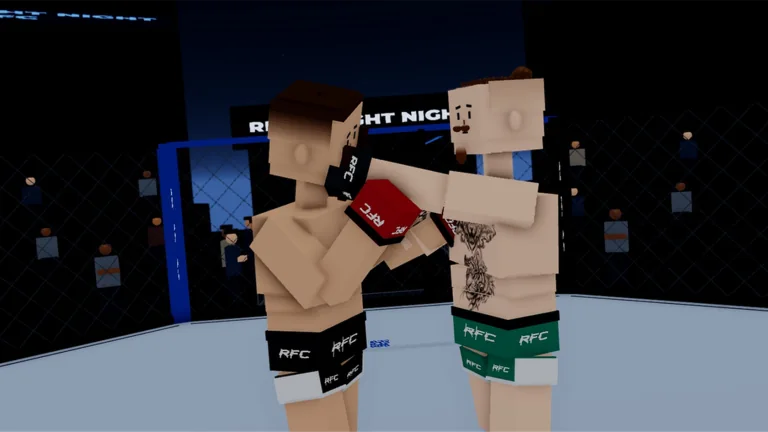
Codes and reported rewards
These codes were recorded from existing reports. ArcadeWiki has not tested them in-game. Availability and rewards may change; the date above is the content update date, not a fresh redemption check.
| Code | Reported reward |
|---|---|
SORRY4UPD | 200 Cash |
How to redeem Ragdoll MMA codes
- Launch Ragdoll MMA and wait for the lobby to load.
- Open Codes at the bottom of the screen.
- Paste SORRY4UPD into the code field.
- Select Redeem Code, read the response, and check your Cash balance.
Expired codes
No expired codes are recorded in this guide. That does not guarantee that a listed code still works.
Troubleshooting
SORRY4UPD contains the number 4. Copy the code without spaces or quotation marks.
If the game rejects the code, note the exact message before trying again. Check for a typing error, a previous claim, or an expired promotion.
If your lobby has no Codes button, check that you opened Ragdoll MMA and that the game has finished loading. Menu placement may change after updates.
This guide covers Ragdoll MMA by MattValidd. Realistic Ragdoll MMA and Technical Ragdoll MMA are separate Roblox games with their own codes (for example ALOHA belongs to Technical Ragdoll MMA), so do not use their codes here. One list also shows a RAGDOLL code with an unclear status; it is not listed because we could not confirm it.