A Bizarre Run Beginner Guide: Controls and Modes
Learn the horse controls first, then choose between the race and Battlegrounds modes. This guide uses the official Roblox description and marks what ArcadeWiki has not tested.
Your first session in order
- Join A Bizarre Run from the official Roblox page linked at the bottom of this guide.
- Open the game and read the on-screen prompts. The description says the game is in beta, so menus and rewards can change.
- Choose the race mode to compete for first place, or Battlegrounds to fight other players with your Stand.
- Learn the horse keys before your first race: Shift to run, F for a one-time boost and T to call your horse back after a fall.
- Practice pulling out your Stand with B and your secondary item with C before a fight.
- Redeem reported codes from the codes guide and read the in-game message after each one.
Official controls
The Roblox description publishes these PC controls. Check the in-game settings if you have changed them.
| Action | Default input |
|---|---|
| Run (on horse) | Shift |
| Call your horse after falling off | T |
| One-time boost | F |
| Pull out secondary item | C |
| Choose secondary item | Hold C |
| Pull out your Stand | B |
| Emote | X |
| Jump | Space |
Race mode tips
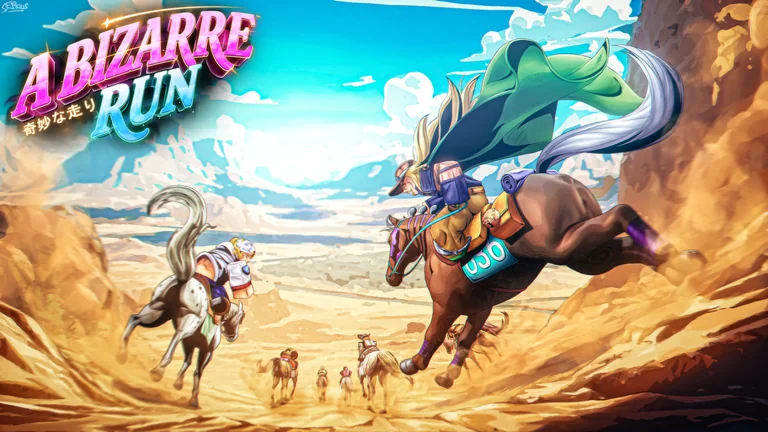
The official controls show that horse handling is central to the race: you run with Shift, get one boost with F, and call your horse back with T when you fall off. Because the boost is one-time, save it for a moment that matters, such as a late gap or a hard turn. This is general advice from the control list; ArcadeWiki has not tested race routes or timings.
Battlegrounds and Stands
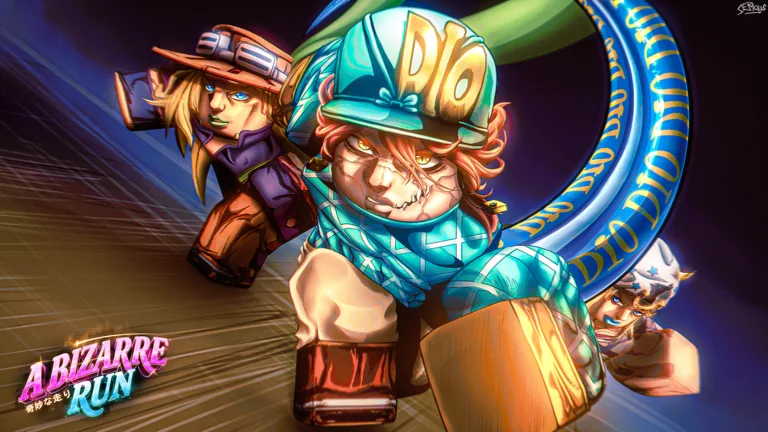
In Battlegrounds you fight other players with the Stand you chose. Pull your Stand out with B, and use C to pull out or choose a secondary item. The Roblox description does not list Stand names, abilities or balance, so this guide does not rank them.
Beta notes and updates
The official description states the game is in beta and gains content weekly. The experience was updated on November 22, 2026 when ArcadeWiki checked, and the like-based code milestone can change. Treat any numbers on this page as a snapshot.
Codes and rewards
Open the codes guide for reported rewards. The description says a new code arrives at 400,000 likes, so lists age quickly. Redeem a code and read the confirmation instead of relying on any one list.
Sources and what we have not tested
Game facts come from the official Roblox experience description, which showed an update dated November 22, 2026 when ArcadeWiki checked on November 23, 2026. ArcadeWiki has not played or tested the features, tips and numbers described here, and updates can change them.